How to print a blank bingo card
- Pick a grid. 5×5 is the classic size. 3×3 or 4×4 is easier for young children; 6×6 or 7×7 makes a longer game.
- Add a title and options. Type a title such as “Baby Shower Bingo”. Turn on the name line or the FREE space if you want them.
- Choose how many copies. Every copy is the same, so print one per player.
- Create the PDF and print. Players fill in the squares with a pen before the game starts.
Options explained
- Grid. 3×3 to 7×7. The FREE space is only available on odd grids.
- FREE space text. Change “FREE” to a short word of your own, up to 12 characters.
- Name line. Adds “Name:” under the title so you can tell cards apart.
- B-I-N-G-O letters. On 5×5 grids, print the letters above the columns, or leave them off.
- Cards per page. 1, 2 or 4 copies on each sheet of Letter or A4.
Example
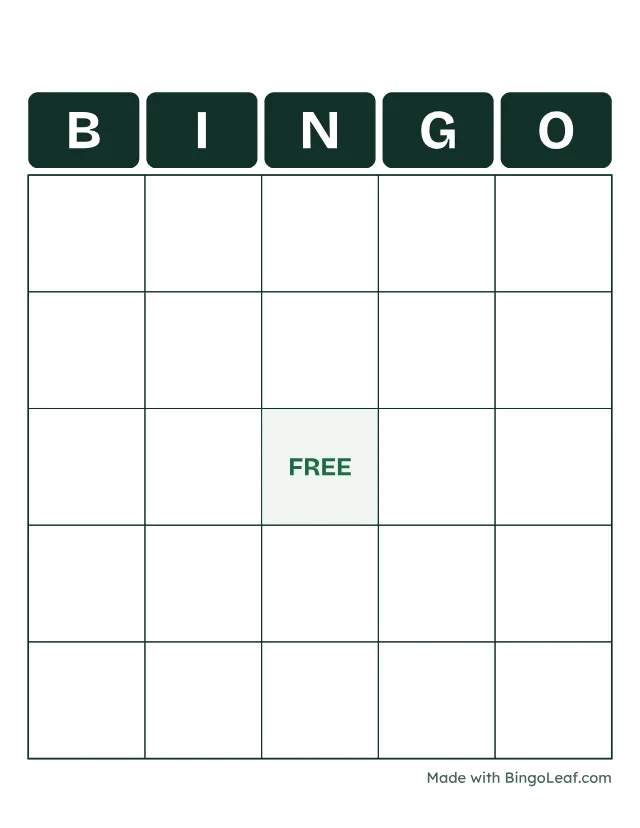
Printing tips and limits
- Print 2 or 4 cards per page to save paper; cut along the light lines.
- Want the squares filled in for you, with every card different? Use the bingo card generator with your own list.
- Hosting a baby shower? The baby shower bingo page has a ready list and both filled and blank cards.