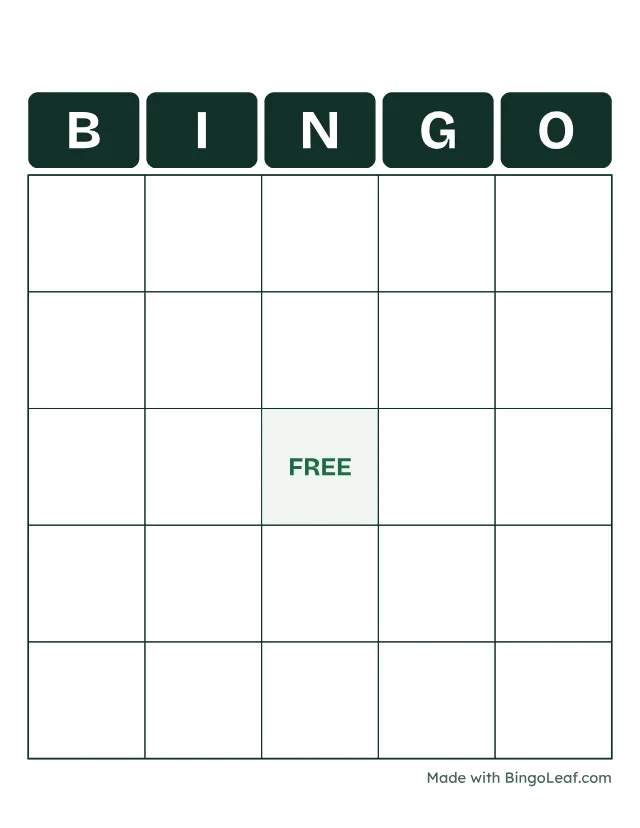
Make Bingo Cards in Word or Google Docs
Insert a square table, add a title and fill the cells with your words. A document editor works well for a blank template; shuffled sets are easier with a card maker.
Last updated November 4, 2026
Build a blank template
Create a new document and choose the paper size you will print on. Insert a table with the same number of rows and columns. Adjust the row heights and column widths until the cells look square. Add a title above the table and center the text inside each cell. Menu names vary by editor version.
Fill the cells
Put one item in each cell. Leave enough room for long words and use a readable font. If you want a free center, label the middle cell before duplicating the table. Print one page to check borders and spacing.
Make different cards carefully
Copying a table creates identical cards. To make different cards manually, rearrange the entries and compare every copy. Changing only the title does not change the card. For a larger group, the card generator shuffles and checks the set before producing the PDF.
Keep an editable master
Save the document before exporting it to PDF. Use the PDF for printing so page breaks stay consistent, and keep the document for later changes. If guests will write their own answers, the blank card tool already provides printable grids.