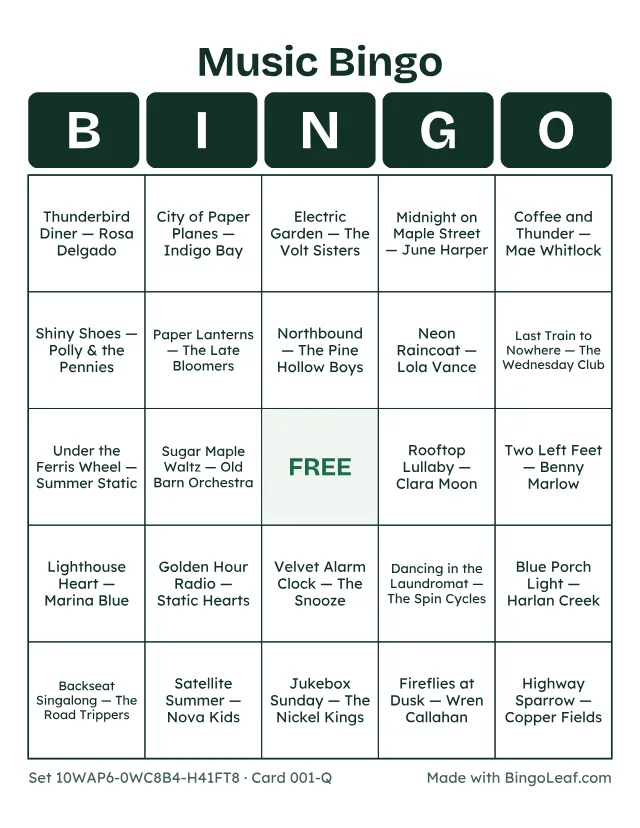
How to Play Music Bingo: Cards and Hosting
Players listen to music and mark matching song titles on their cards. The host plays music separately, keeps a record of songs played and checks each winning claim.
Last updated November 4, 2026
Prepare your song list
Use titles your group can recognize and add artist names when different songs share a title. Paste one song and artist per line in the music card maker. Review the preview before creating a PDF. The tool does not provide recordings or connect to streaming accounts.
Plan playback separately
Arrange music you are entitled to play at your venue. Ask the venue about public-performance permissions and check the terms of your playback service. A personal listening subscription does not itself establish permission for an event. See the licensing links on the music tool.
Explain the round
Show the chosen pattern before playback. Decide whether you will announce titles after each excerpt or let guests identify them. Keep the same rule throughout a round. Leave enough time to find a title and mark it.
Verify a claim
Pause the music, compare the claimed pattern with your played-song record, and resolve ties using the rule announced at the start. Reuse cards with removable markers if you want another round.